Protection Against Hacker Attacks
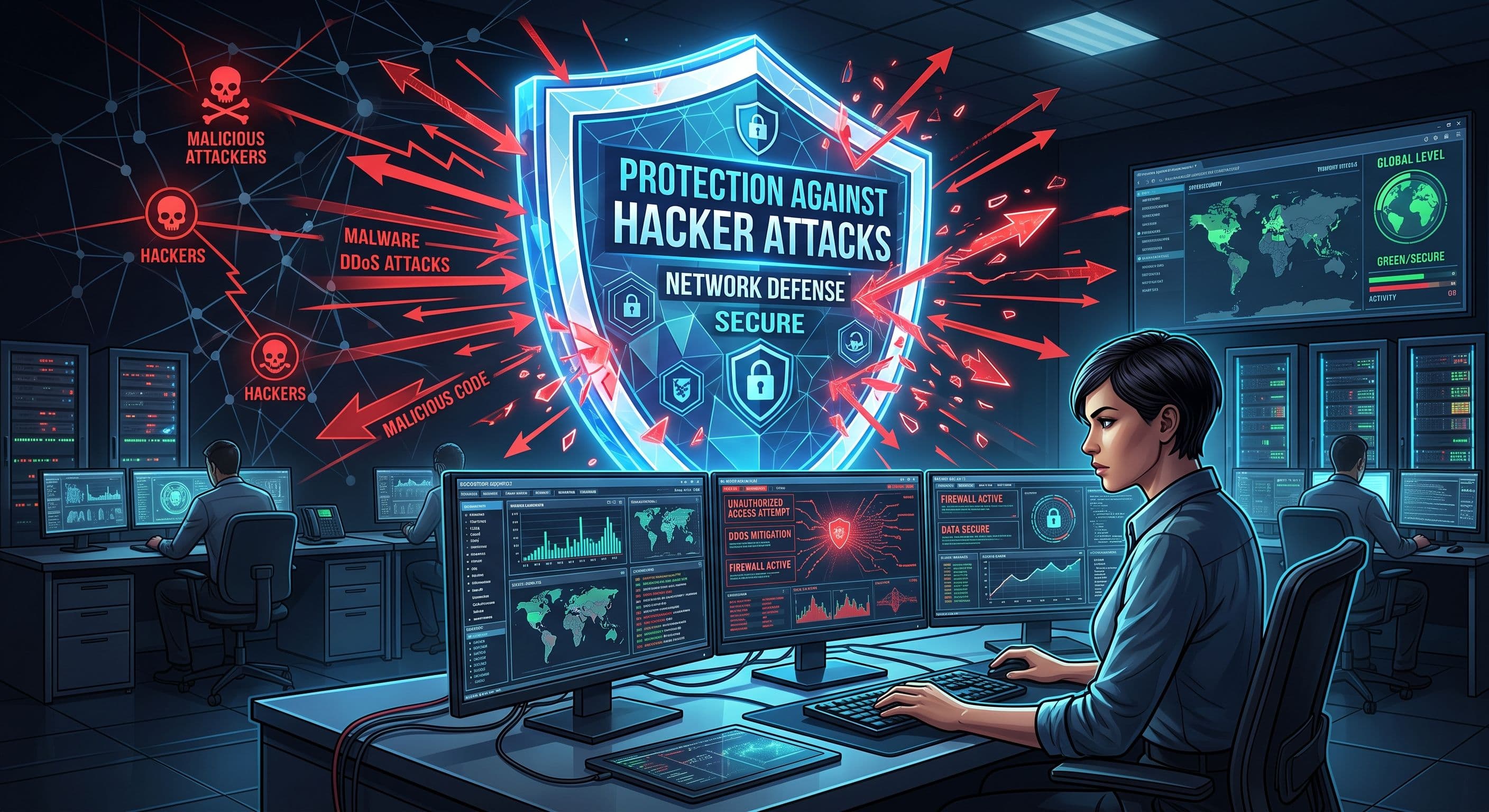
A hacker is a person who has the ability to access computer systems, programs, or networks. But remember, not every hacker has malicious intent.
Who is a hacker?
In general, hackers are divided into three categories:
- White Hat: They operate with positive intentions. They find system vulnerabilities and help improve security.
- Black Hat: They are hackers who act with malicious intent, stealing information or damaging systems.
- Grey Hat: They informally identify vulnerabilities, sometimes notifying others, and other times making changes without notice.
The term “hacker” doesn’t always mean a “bad person”. But it's everyone's responsibility to be careful in the online environment.
What are the main types of hacker attacks?
Hacker attacks can happen in several ways. A user may enter their password on a fake website, or an attacker may exploit a security flaw in outdated software. Understanding these methods is important for protecting both personal accounts and company information.
In a phishing attack, the user receives a message that appears to come from a bank, a colleague, or a well-known company. A link in the message leads to a fake login page, where the hacker attempts to steal passwords and verification codes. Even a familiar sender does not guarantee that a message is safe. An advisory from CERT.AZ describes how compromised official email accounts belonging to local organisations were used to distribute phishing messages.
Malware can steal information from a device, monitor user activity, or make files inaccessible. In ransomware attacks, files are encrypted and payment is demanded to unlock them. This can prevent a company from accessing its documents and disrupt everyday work.
Account and website takeovers present another risk. Weak passwords, leaked login details, and software vulnerabilities can allow unauthorised access. Once inside an account, a hacker may send messages in the company’s name, change website content, or expose confidential documents. Protecting email accounts and website administration accounts is therefore just as important as securing computers.
How can you recognise the signs of a hacker attack?
Signs of a hacker attack often appear as unexpected changes in the way accounts or devices behave. A login notification from an unfamiliar device, emails sent without your knowledge, or changes to your account recovery phone number should all be investigated.
Files that no longer open, unexpected changes to filenames, and security software warnings also deserve attention. However, a slow computer or an interrupted internet connection does not always indicate hacker activity. Technical faults can cause similar problems. Login history, security alerts, and system changes need to be reviewed together to understand what has happened.
If you notice something suspicious, record when it happened and save a screenshot of the notification if possible. If a company account is involved, inform the person responsible for IT. To check whether an alert is genuine, open the service’s official website or app directly instead of clicking a link in the message. This helps you avoid giving a hacker another opportunity through a fake security warning.
How can you protect yourself from hacker attacks?
Protection against hacker attacks requires more than antivirus software. Account security, software updates, and careful behaviour by employees need to work together. The following measures can help reduce everyday risks:
- Use a different password for every account. Choose long, unique passwords. A password manager can help you create and store them. Reusing the same password across several accounts increases the risk that a breach of one account will affect the others.
- Enable multifactor authentication. An additional verification step makes it harder for a hacker to access an account, but it does not guarantee complete protection. Never share verification codes or enter them on suspicious websites.
- Keep software up to date. Install security updates for operating systems, browsers, and website plugins promptly. Review applications and accounts that are no longer in use.
- Match access permissions to job responsibilities. Employees should have access only to the information and systems they need for their work. Disable accounts promptly when someone leaves the company.
- Keep backups separate and protected. Store copies of important information in a secure location separate from the main system. Check that files can actually be restored from these backups when needed.
Employees should know whom to contact about suspicious emails and who is responsible for reviewing security alerts. Clear responsibilities make it easier to respond quickly when something goes wrong. Effective protection against hacker attacks depends on both technical safeguards and well-defined working practices.
How can you restore access to systems after a hacker attack?
After a hacker attack, the priority is not simply to regain access to an account, but to make sure that access is secure. First, identify which accounts and devices have been affected. Changing a password alone may not be enough: malware could remain on the device, or an attacker could still have another way into the account.
If you cannot sign in, use a secure device to visit the service’s official account recovery page. Once access has been restored, review your password, recovery email address, and phone number. Sign out unfamiliar sessions and revoke access for unknown connected applications. These checks can help identify access that a hacker may have retained. For company accounts, coordinate these changes with the responsible IT specialist.
If files have been damaged or encrypted, it may be possible to recover them from verified backups. However, the threat must be removed from the system before files are restored. Otherwise, the recovered information could be affected again. Recovery depends on the condition of the backups and the extent of the damage.
Keep suspicious messages, security alerts, and screenshots to help the specialist investigating the incident. This information can help establish when and how the problem began. To report the incident, you can use the CERT.AZ reporting form, which allows you to describe what happened and attach relevant files.
You can discuss your company’s account, network, and data security needs with the Technofusion team. Assessing existing weaknesses and selecting appropriate safeguards can help reduce the risk of future hacker attacks. Contact Technofusion to learn more about cybersecurity solutions for your business.